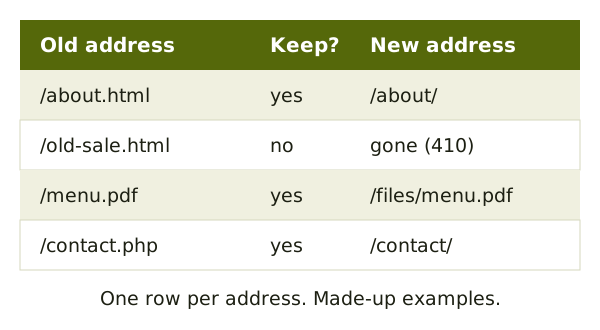
Before
Know what you have and where it will go.
 Site Moving DayField notes on moving a website without breaking it
A new host or a new platform is a big job. It doesn't have to be a scary one.
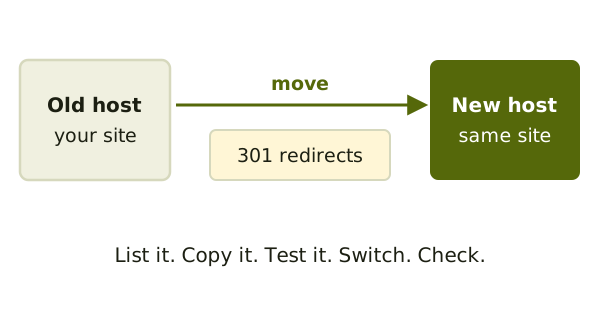
These notes walk through it in order: list, copy, redirect, test, switch, check.
Worth reading first
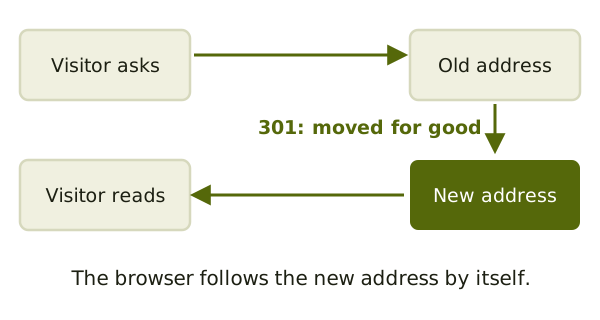
A 301 redirect tells browsers a page has moved for good.[1] It is what keeps old links alive.
Know what you have and where it will go.
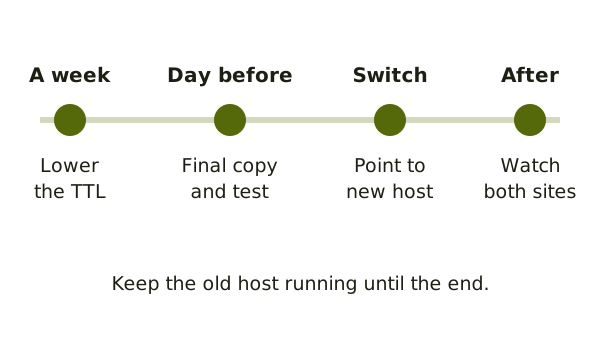
Copy the site, forward old links and switch over.
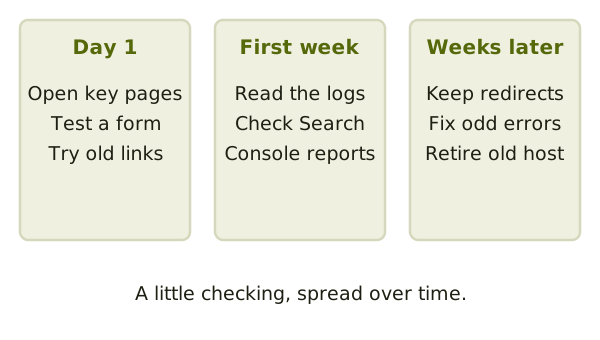
Check the new site and watch for problems.
It's better not to. Google advises planning changes one after the other.[2]
As long as possible. Google says to keep redirects for as long as you can.[2]
With the list of everything on your site. See the inventory note.